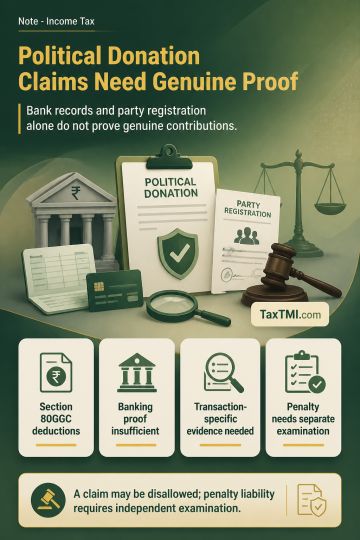
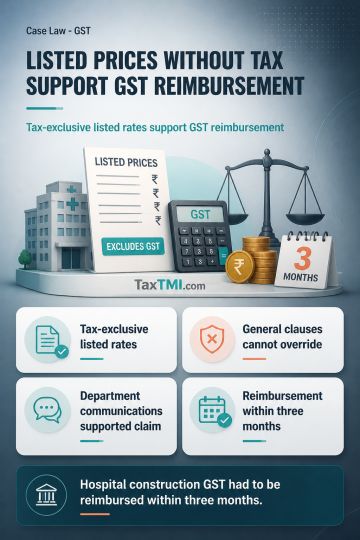
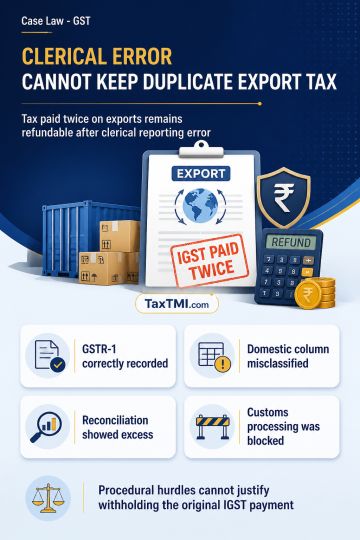
Political contribution deductions require genuine transactions; banking records and party registration alone cannot defeat evidence of accommodation e...
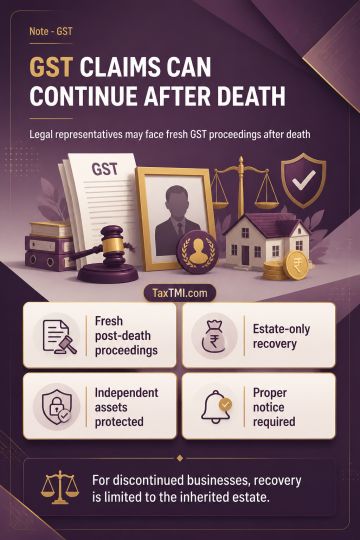
Post-death GST liability permits fresh proceedings against legal representatives, while discontinued-business recovery remains limited to the inherite...
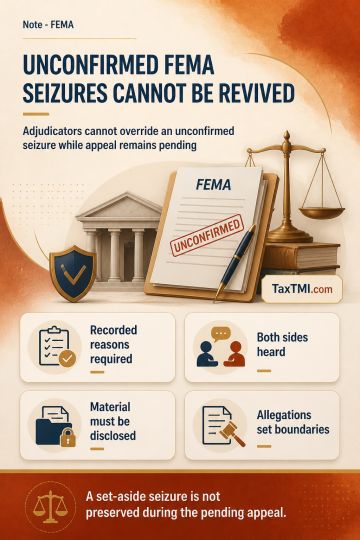
Non-confirmation of FEMA seizure prevents adjudicators from overriding pending appellate findings on recorded reasons and suspected foreign asset hold...
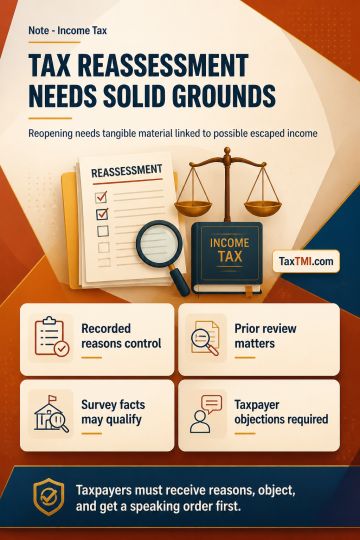
Assessment u/s 153A - Addition u/s 69A by the Assessing Officer on account of difference in amount credited in bank and sale proceeds shown in the income tax return. It is settled law that no addition can be made u/s 153A other than based on incriminating documents found during the search. Since no incriminating material was found during the search nor brought on record by the Assessing Officer, the issue is covered by the Supreme Court judgment in Abhisar Buildwell (P.) Ltd, and the addition made by the Assessing Officer is deleted in the absence of any incriminating material found during the course of search u/s 132. Validity of the assessment order passed by the Assessing Officer u/s 153A - Addition made u/s 69A on account of difference in returned income and income as per certificate issued. Section 153C is not invoked, and the assessment is framed u/s 153A. During the assessment u/s 153A, only the incriminating material found during the search of the assessee can be utilized, not the material found in the search of any other person. Therefore, the assessment proceedings must be initiated u/s 153C after satisfaction that the material found and seized during the search pertains to the appellant. The assessment order passed u/s 153A by the Assessing Officer is without jurisdiction and is quashed.
Assessment u/s 153A - Addition u/s 69A by the Assessing Officer on account of difference in amount credited in bank and sale proceeds shown in the income tax return. It is settled law that no addition can be made u/s 153A other than based on incriminating documents found during the search. Since no incriminating material was found during the search nor brought on record by the Assessing Officer, the issue is covered by the Supreme Court judgment in Abhisar Buildwell (P.) Ltd, and the addition made by the Assessing Officer is deleted in the absence of any incriminating material found during the course of search u/s 132. Validity of the assessment order passed by the Assessing Officer u/s 153A - Addition made u/s 69A on account of difference in returned income and income as per certificate issued. Section 153C is not invoked, and the assessment is framed u/s 153A. During the assessment u/s 153A, only the incriminating material found during the search of the assessee can be utilized, not the material found in the search of any other person. Therefore, the assessment proceedings must be initiated u/s 153C after satisfaction that the material found and seized during the search pertains to the appellant. The assessment order passed u/s 153A by the Assessing Officer is without jurisdiction and is quashed.
Note: It is a system-generated summary and is for quick reference only.
 TaxTMI
  TaxTMI